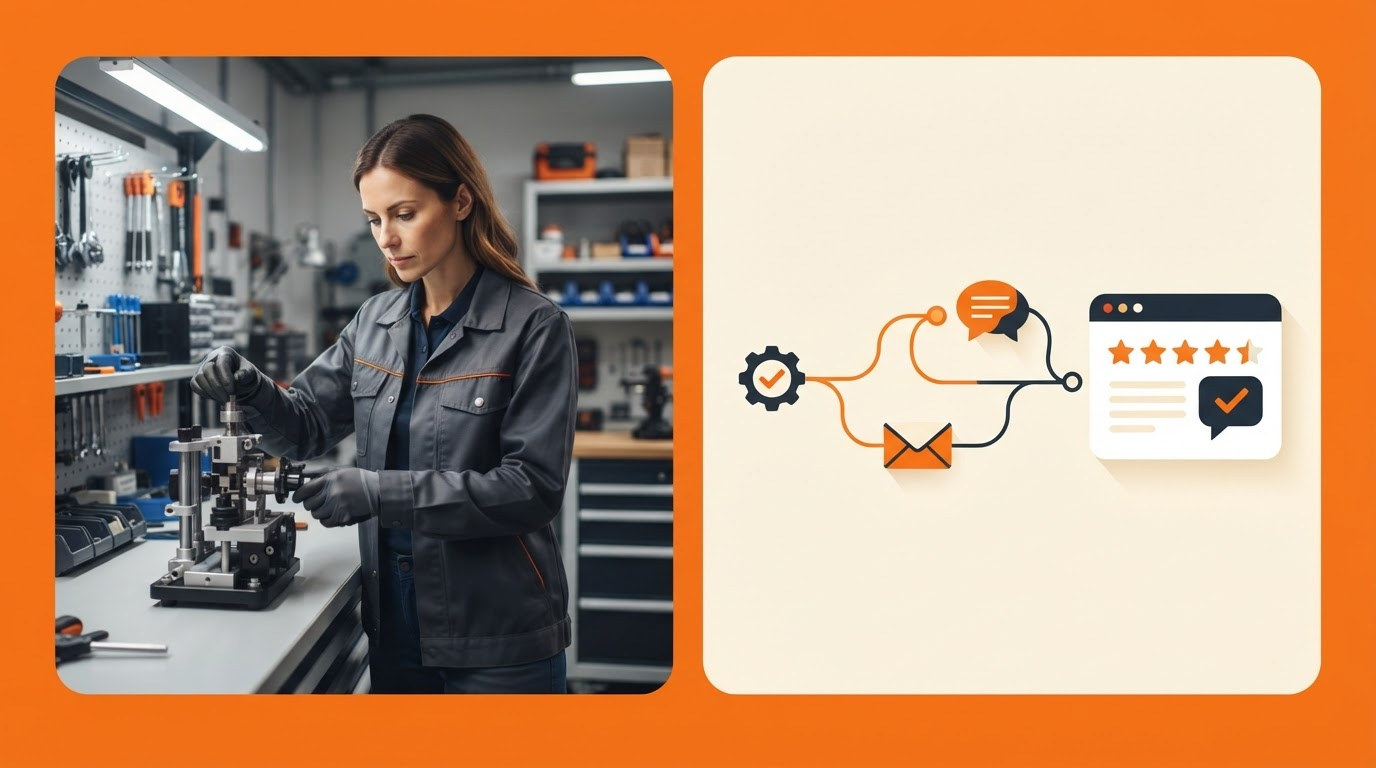
Reviews close deals before your team ever gets on a call. Most buyers check Google reviews and third-party platforms during research. If your freshest review is eight months old, that's a silent objection you'll never hear raised.
The problem isn't that customers are unwilling to leave reviews. It's that manual asking doesn't scale: whoever owns the task forgets, messages go out inconsistently, and happy clients drift away without ever being asked. Automation fixes the timing problem. Here's how to automate your online reviews, step by step.
Why Automate Your Online Reviews?
Three reasons this earns its setup time:
Reviews drive visibility. Google's own guidance ties review quality, recency, and volume to local ranking. A steady stream compounds; a burst of ten followed by silence doesn't move the needle.
Reviews drive trust. Deals are won on credibility. Prospects compare you against competitors across online profiles — a thin profile loses those comparisons before you get a call.
Manual asking fails predictably. The person responsible gets pulled into other work, requests go out late (or never), and fresh reviews dry up between pushes.
How Review Automation Works
Every tool handles the details differently, but they all run the same loop:
new transaction or project completion → review request → reminder → review → response
Set the trigger and sequence once, and the loop runs without anyone remembering to ask. The only human step left is approving responses.
Step 1: Pick Your Trigger Points
Trigger points are the moments when goodwill peaks. For local and service businesses, these work well:
- A project milestone is approved or the engagement wraps
- A contract renews or a recurring service completes
- A support ticket closes with a positive rating or high CSAT score
- An invoice is paid on time, signaling smooth delivery
- Onboarding completes and the client goes live
One rule: ask while the result is fresh. A request sent two days after a win consistently outperforms one sent whenever somebody gets around to it.
Step 2: Build the Request Sequence
Here's what a high-converting sequence looks like:
- Send within 24–48 hours of the trigger. Speed is the biggest conversion lever you have.
- Personalize the first line. Reference the actual project or service: "Glad the launch went smoothly." Generic asks get ignored.
- Match the channel to the customer. SMS for quick interactions, email for longer relationships. One channel per recipient.
- Make one ask with one link. No platform menus, no hedging paragraphs. Decide for the reader where to go.
- Remind once, maybe twice. Send different wording 3–4 days later to non-responders, then stop. More than that reads as nagging.
Step 3: Send Reviewers to the Right Place
For most local businesses, your Google Business Profile is the priority: it feeds Maps results and the local pack where buyers compare options side by side. If you win deals through specific industry directories, those can also receive focus.
Use a direct review link — Google generates one from your place ID — and embed it in the message. Every extra step between the ask and the review form loses would-be reviewers.
Step 4: Automate Most of Your Responses
Responses are half the asset: they tell Google the profile is active and show prospects how you handle clients. Use templates for positive reviews, AI drafts (with human approval) for longer or mixed feedback, and always answer negative reviews personally — acknowledge the issue, move the conversation offline, and follow up.
Step 5: Track What Matters
Watch five numbers monthly:
- Requests sent vs. reviews received
- Review velocity and average rating per platform
- Reminder-to-review conversion rate
- Your response rate across platforms
- How many new leads mention your reviews
Change one variable at a time — send time, channel, subject line — and give each test two weeks before drawing conclusions.
Rules You Can't Skip
- Never gate reviews. Don't send unhappy customers a private survey while routing only happy ones to Google. That filtering violates Google's policies and can get reviews removed.
- Never incentivize. Paid or gifted reviews break platform rules and FTC guidelines, and buyers can smell them.
- Ask everyone. Even, consistent volume across all customers looks natural and outperforms cherry-picking.
- Vary your responses. Templates are a starting point, never a copy-paste.
Build It Once, or Have It Built
You can assemble this from CRM workflows and a reputation tool, provided someone owns it and checks the numbers weekly. In practice, review automation is one moving part inside a larger system — tied to your CRM, content, and reporting — and "almost automated" tends to become "not automated" the moment the person maintaining it gets busy.
An automated review engine doesn't just earn stars; it feeds your pipeline. Every new review adds keyword-rich, trusted content to the pages future clients check before they call anyone. If you'd rather have the whole system running for you — triggers wired into your CRM, compliant sequences, AI-assisted responses with human oversight, and regular reporting — that's what we build at EZtransition. Our marketing AI and automation systems for local businesses include review automation from day one. Book a strategy call at eztransition.com and we'll map your trigger points and show you exactly what your system would look like.